

Estimated reading time: 13 minutes
Key Takeaways
- Public hotspots like BT Wi-Fi offer faster, reliable wireless access than crowded mobile networks in urban areas.
- Existing BT customers enjoy unlimited free hotspot access through a BT ID, making it easy to connect without additional fees.
- Free internet options abound at O2, Sky (The Cloud), and popular coffee chains, accessible to everyone.
- Day passes for BT Wi-Fi are cost-effective alternatives to expensive hotel Wi-Fi or mobile data roaming charges.
- Community libraries provide free internet access, making them a great backup for when connectivity fails at home.
Contents – Wireless Access
- Summary – Wireless Access
- Why You See ‘BT Wi‑fi’ Everywhere and How to Spot the Closest Signal
- The Hidden Membership Perk: How BT Customers Get Unlimited Free Hotspot Access
- Beyond BT: Where to Find Free Unlimited Wi‑Fi at O2, Sky, and High Street Chains
- Is a BT Wi‑Fi Day Pass Worth It? Comparing Vouchers vs. Mobile Roaming Costs
- Emergency Internet: How to Use UK Libraries and Community Hubs for Free Web Access
- No Signal at Home? Creative Ways to Get Free Wireless Internet When Your Router Fails
- Fixing Common Login Headaches: How to Force the BT Wi‑Fi Landing Page to Appear
- Safety First: How to Use Public Hotspots Without Risking Your Personal Data
- A 3‑Step Strategy for Finding the Best UK Wireless Connection
- Q&A – Wireless Access
We’ve all been there: your 4G crawls at a busy station while trying to load a ticket. Industry data reveals that crowded cities frequently overwhelm mobile towers, making a public hotspot—a dedicated Wi‑Fi zone—much faster than cellular data. Opening your phone’s settings displays dozens of network names (called SSIDs), but choosing one often feels like complete guesswork. If you’re asking “how can i get free wifi” or “how can i get free internet,” public hotspots are often the fastest UK wireless access solution.
Countless available signals belong to the BT hotspot network (often called a bt hotspot), serving as the country’s ultimate digital safety net. While rural areas have fewer connections, urban streets are heavily blanketed, offering incredible savings over expensive 4G roaming charges. Anyone wondering how to get free Wi‑Fi quickly realises these everyday networks are absolute lifesavers.
Mastering UK wireless access is surprisingly simple. This guide uncovers exactly where to find reliable free internet options and when buying temporary day Wi‑Fi passes or hotspot passes makes sense, guaranteeing you never overpay for hotel Wi‑Fi again.
Summary – Wireless Access
This Wireless Access guide shows how to get online quickly and cheaply across the UK by using BT Wi‑Fi hotspots, free networks from O2, Sky (The Cloud), and coffee chains, and when to buy short‑term BT day Wi‑Fi passes or a hotspot pass. It explains BT’s free unlimited hotspot access for existing customers with auto‑connect, plus reliable alternatives like libraries and community hubs. You’ll learn quick fixes for captive portal/login issues and ways to stay connected at home during outages. Clear safety tips and a simple decision strategy help you avoid costly mobile data or hotel charges while exploring practical free internet options.
Why You See ‘BT Wi‑fi’ Everywhere and How to Spot the Closest Signal
Walking down any British street, you will likely see dozens of networks appear on your phone. This massive scale exists through a clever system of bandwidth sharing. Modern BT home routers securely set aside a tiny internet sliver specifically for public use. It acts exactly like a homeowner letting visitors park in their driveway while keeping the actual house securely locked.
Getting connected requires spotting the correct SSID—which is simply the technical term for the network name you see in your device settings. While private home networks display a padlock icon, a public BT hotspot just says “BTWi‑fi” and is entirely open. You may also see it described online as a “bt hotspot.” Tapping this unlocked option is your fast gateway to getting online.
Locating the strongest BT Wi‑Fi spots (bt wifi spots) becomes incredibly easy once you know where to look. Dense residential streets are perfect due to those shared home routers, but you will also find excellent, reliable signals near modernised street phone boxes and busy high street cafes.
This widespread UK wireless access saves you from burning through expensive mobile data when travelling. Anyone can buy a temporary pass to log on, but the system gets truly exciting when exploring the hidden membership perk: existing BT customers get unlimited free hotspot access.
The Hidden Membership Perk: How BT Customers Get Unlimited Free Hotspot Access
Paying for expensive mobile data top‑ups is frustrating when you already have home broadband. Existing BT customers actually possess a digital golden ticket: a BT ID. This simple login transforms paid public networks into what many call “bt free wifi.” By using your home credentials to entirely bypass those street payment screens, you can easily save up to £50 a year on emergency mobile data.
Manually typing in passwords every time gets tedious, which is why the “Auto‑connect” feature solves the puzzle of how to access BT Wi‑Fi without a subscription each time you leave the house. Instead of standing in the rain trying to log in, your phone will seamlessly join the network. Simply:
- Download the official BT Wi‑Fi app to your smartphone.
- Log in just once using your standard BT ID.
- Let the app automatically connect you whenever a signal is nearby.
This clever setup turns your daily commute into an effortless data‑saving routine across millions of BT Wi‑Fi spots. But what if you aren’t a BT home customer? There is no need to panic or open your wallet just yet.
Beyond BT: Where to Find Free Unlimited Wi‑Fi at O2, Sky, and High Street Chains
Not having a BT account shouldn’t mean eating into your monthly data allowance. The UK high street is packed with completely free internet options, provided you know where to look. When visiting shopping centres or cafes, your phone is surrounded by invisible, cost‑free networks.
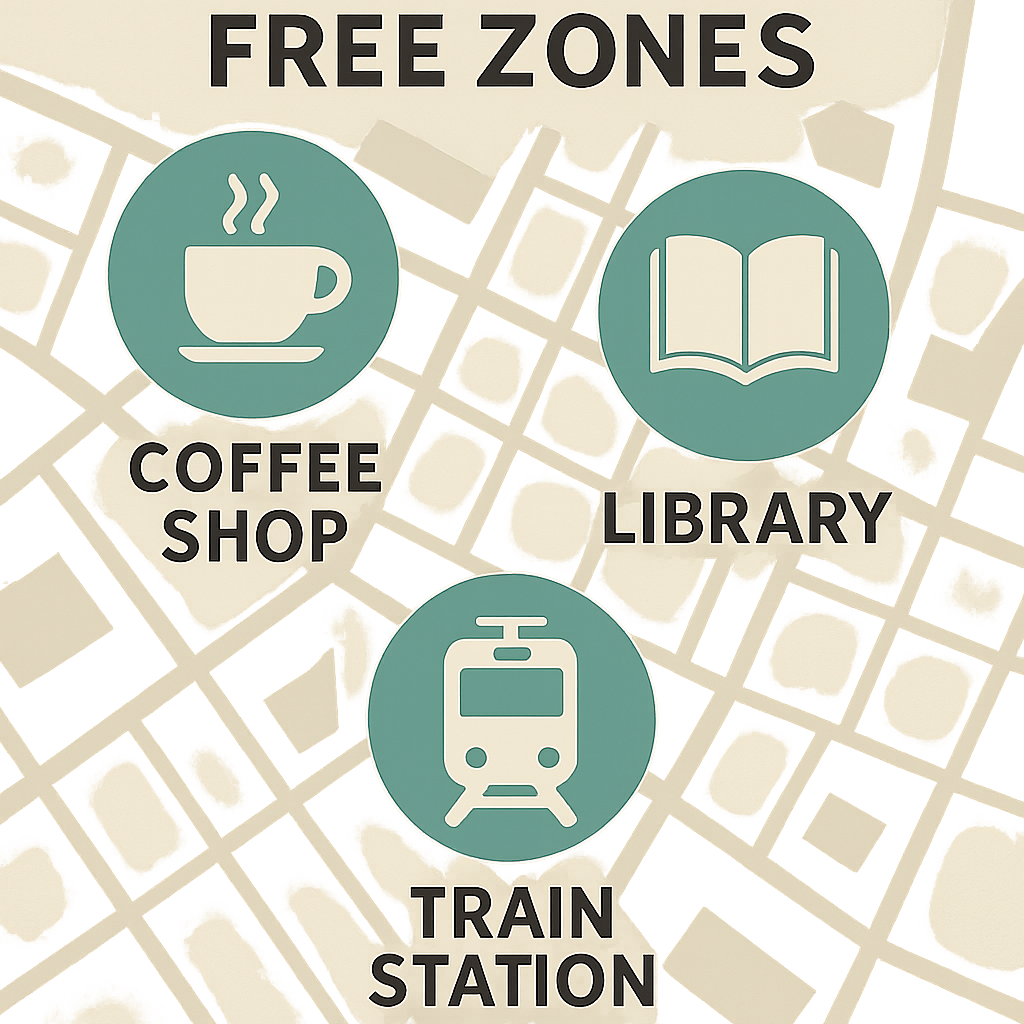
Finding the best public Wi‑Fi UK locations involves spotting these three major providers for wireless access:
- O2 Wi‑Fi: Fast and stable in restaurants; available to absolutely everyone, not just O2 mobile customers.
- Sky (The Cloud): Popular in pubs and railway stations. In an O2 Wi‑Fi versus Sky Cloud comparison, Sky often provides wider coverage in rural public spaces.
- Starbucks/Costa: Ideal for quick browsing, usually requiring just one tap to agree to their terms.
Getting online quickly relies on a registration page, known as a captive portal. Think of this like signing a digital visitor book before entering an office. When you select the network, your web browser automatically opens a form asking for your details. Keep a spare “junk” email address handy for these sign‑ups so you can connect in under 60 seconds without clogging your main inbox with marketing spam. If you’re focused on how to get free internet fast, these are the easiest free internet options.
Occasionally, you might find yourself waiting somewhere without any of these free street connections. If you urgently need to get a laptop online, day passes offer a reliable alternative.
Is a BT Wi‑Fi Day Pass Worth It? Comparing Vouchers vs. Mobile Roaming Costs
Facing a £15 hotel internet fee is frustrating, making day Wi‑Fi passes invaluable. Rather than burning through mobile data, grabbing a BT hotspot pass for around £8 offers a much better return on investment than risking expensive roaming charges. Deciding to buy Wi‑Fi for a day means you are essentially renting a high‑speed digital lane tailored to your immediate needs.
Securing this connection requires only basic online payment skills. Once you select the network in your settings, a welcome page automatically pops up offering different time increments. You can quickly purchase Wi‑Fi for a day using a standard credit card or PayPal directly on that screen. Without waiting for physical vouchers, the secure transaction activates your internet instantly so you can get straight to browsing. If you simply need to buy wifi for a day, look for the “wifi pass” or “hotspot pass” option on the landing page—you can purchase wifi for a day in a few taps.
However, keep in mind that this digital ticket locks permanently to the exact phone or laptop used during purchase. Networks check your “MAC address”—a unique digital fingerprint built into your machine—meaning one pass strictly works on one device at a time. If sharing is essential or paying simply isn’t an option, free community alternatives provide an excellent fallback.
Emergency Internet: How to Use UK Libraries and Community Hubs for Free Web Access
Finding free internet wireless access in UK cities often means buying an expensive coffee first. Thankfully, local libraries serve as welcoming, pressure‑free alternatives. Every town provides these community hubs where you can walk in, sit down, and connect to fast Wi‑Fi completely free of charge. If you’re wondering how to get free wireless internet without buying anything, libraries are your most dependable option.
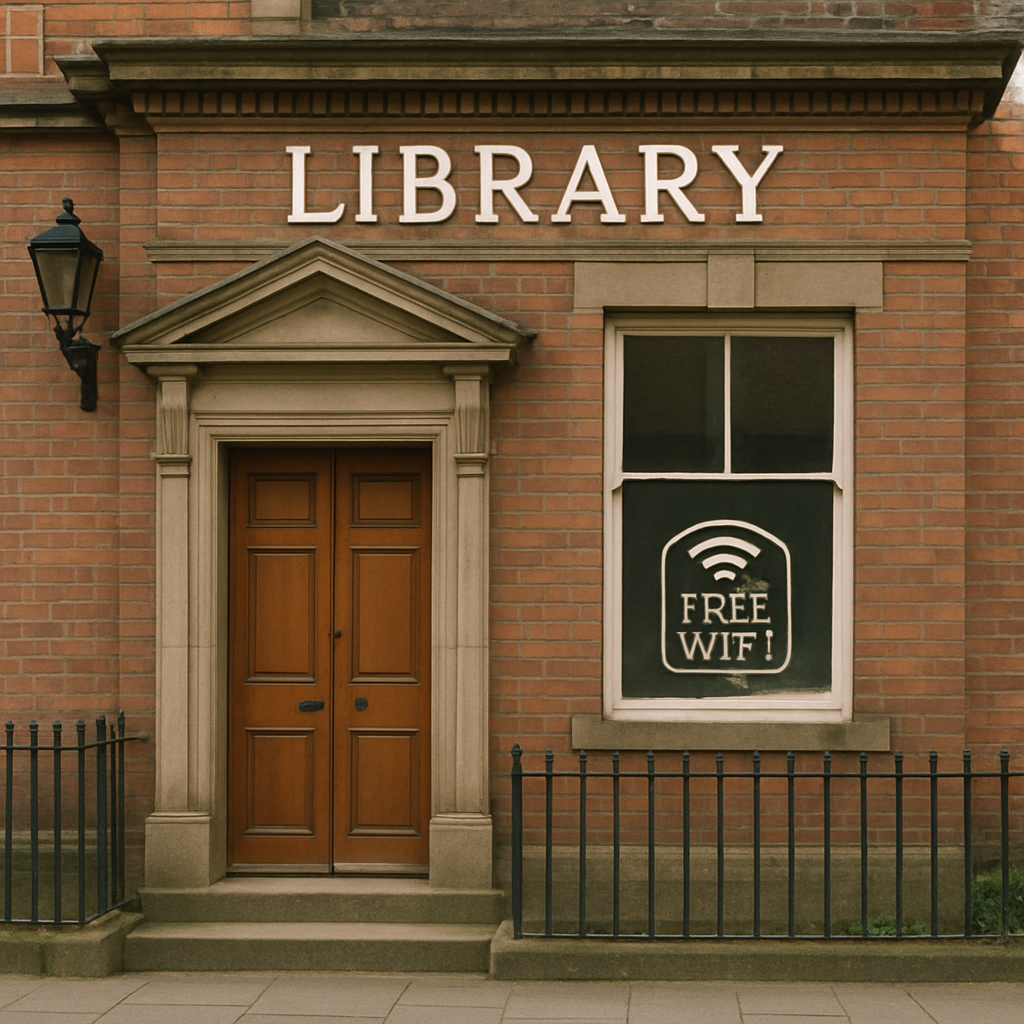
Equipment failure doesn’t have to ruin your day, either. If your laptop battery dies, these buildings provide public access computers. Think of them as digital safety nets where the front desk logs you into a free desktop PC. Any UK library internet access guide must highlight these machines as the perfect backup for printing documents or checking emails securely.
Venture outside the city and you will discover another major benefit of these civic spaces. Village libraries boast dedicated broadband lines that remain steady even when rural 4G fails completely, making knowing how to get free internet crucial for countryside travellers.
No Signal at Home? Creative Ways to Get Free Wireless Internet When Your Router Fails
Moving house or waiting for broadband leaves you completely disconnected. You might wonder how to get free Wi‑Fi at home during this gap. While “tethering”—using smartphone data as a personal hotspot for laptops—is a helpful quick fix, watching one movie can drain your mobile allowance entirely.
Instead of rationing phone data, check your settings to spot a “BTWi‑fi” signal broadcasting from a neighbour’s router. Catching this connection gives you 3 ways to stay online at home while waiting for a broadband installation:
- Log in free: Existing BT customers get unlimited access at no extra cost.
- Buy a pass: A 30‑day unlimited BT pass costs much less than buying extra mobile data.
- Share access: Family with BT broadband can share their digital allowance with your device.
If you’re asking “how to get free wifi at home,” “how can you get free wifi at home,” or even “how to get free wifi at home for free,” the options above are your best bet. They also cover how to get free wireless internet at home and how to receive free wifi during short‑term outages.
Fixing Common Login Headaches: How to Force the BT Wi‑Fi Landing Page to Appear
Seeing “Connected, No Internet” is incredibly frustrating. This simply means your device joined the BT hotspot perfectly, but failed to automatically load the required digital welcome screen to grant you full internet access.
Overcoming this requires a quick trick for fixing BT Wi‑Fi login page issues. Open your web browser and type “neverssl.com” into the address bar. Since secure websites often block unverified public networks, visiting this safe, unencrypted site forces the system to push the correct login page directly to your device. Once it appears, you can quickly log in or easily figure out how to activate BT Wi‑Fi 5‑day pass codes without further delays.
Should the page still refuse to load, tap “Forget Network” in your Wi‑Fi settings to wipe the memory and start fresh. With your connection finally active, it is crucial to protect your information.
Safety First: How to Use Public Hotspots Without Risking Your Personal Data
Browsing on an open network is like chatting in a crowded cafe; anyone nearby can potentially eavesdrop. Many assume “Incognito” mode hides their activity, but it only stops your device from saving local history. When connecting to free wireless access internet hotspots securely, your primary defense is checking for the tiny padlock icon next to website addresses.
To protect sensitive details, adopt a strict “no‑banking” rule on public Wi‑Fi unless you use a Virtual Private Network (VPN). A VPN creates a private tunnel through that public cafe, using a digital lockbox system called encryption to scramble your data. If someone snoops on these high‑speed public internet access points, they only see unreadable noise instead of your passwords.
These straightforward habits guarantee your personal information stays entirely safe while you travel. By securing your connection, you can confidently browse on any public network.
A 3‑Step Strategy for Finding the Best UK Wireless Connection
You no longer have to watch your mobile data drain away in frustration. When you need UK wireless access, you now have a clear, money‑saving game plan. Start by looking for the reliable free internet offered by familiar high street coffee shops or O2.
If those are out of range, check your phone for the millions of BT Wi‑Fi spots blanketing the country. If you are a BT home broadband customer, simply log in for free. Otherwise, grabbing short‑term day Wi‑Fi passes or a hotspot pass acts as your reliable last resort when you desperately need to work or navigate.
By using this personalised hierarchy of choices, you keep your digital life moving while protecting your wallet. You are now fully equipped to confidently troubleshoot and connect in any UK city, turning a stressful search for a signal into a simple, seamless experience.
Q&A – Wireless Access
Question: Why do I see “BTWi‑fi” everywhere, and how do I spot the strongest, correct network?
“BTWi‑fi” appears so often because many BT home routers securely share a small slice of bandwidth for public use, creating millions of hotspots. In your Wi‑Fi list, private home networks show a padlock, while the public BT hotspot is an open SSID labeled “BTWi‑fi.” For the best signal, look in dense residential streets, near modernised street phone boxes, and around busy high‑street cafes.
Question: I’m a BT home broadband customer—how do I get unlimited free hotspot access without logging in every time?
Use your BT ID to unlock free unlimited wireless access and set up auto‑connect. Simply download the BT Wi‑Fi app, sign in once with your BT ID, and let the app auto‑connect whenever a BT hotspot is nearby. This turns “paid” screens into free access and saves you from repeatedly entering credentials.
Question: I don’t have BT—where can I find reliable free Wi‑Fi, and what happens when I connect?
Look for:
- O2 Wi‑Fi: Free for everyone, often fast in restaurants.
- Sky (The Cloud): Common in pubs and railway stations; often wider rural coverage.
- Starbucks/Costa: Quick, usually a one‑tap terms acceptance. Most free networks use a captive portal (a registration page). After selecting the network, your browser opens a short form—use a spare “junk” email to sign up in under a minute and avoid marketing clutter. If you’re focusing on how to get free internet quickly, these are your simplest free internet options.
Question: Is a BT Wi‑Fi pass worth it, and can it help during a home broadband gap?
Yes, in many cases. A BT day pass (around £8) can beat a £15 hotel fee or costly roaming for wireless access. Connect to “BTWi‑fi,” use the pop‑up welcome page to buy time with a card or PayPal, and you’re online instantly. If you just need to buy wifi for a day, choose the “wifi pass” or “hotspot pass”—you can purchase wifi for a day right on the portal. Note: the pass locks to the device you purchase on (via its MAC address), so one pass works on one device at a time. For home outages, check for a neighbour’s “BTWi‑fi” and either log in free with your BT ID, buy an affordable 30‑day unlimited pass, or have family with BT broadband share their access with your device. Tethering can work in a pinch but burns mobile data quickly.
Question: I’m stuck on “Connected, No Internet.” How do I make the login page appear—and stay safe once I’m online?
To force the captive portal, open a browser and visit “neverssl.com.” If it still won’t load, “Forget” the network in Wi‑Fi settings and reconnect. For safety on public hotspots, look for the padlock in website addresses (HTTPS), avoid banking or sensitive logins unless using a VPN, and remember that “Incognito” only hides local history—it doesn’t secure your traffic.
Related links
See how Broadband Freedom can help you, click here to check your postcode